
Website cost guide for small businesses.
A website price depends on scope, content, integrations, ecommerce, SEO, and support. This guide helps owners understand what they are actually buying.
View Pricing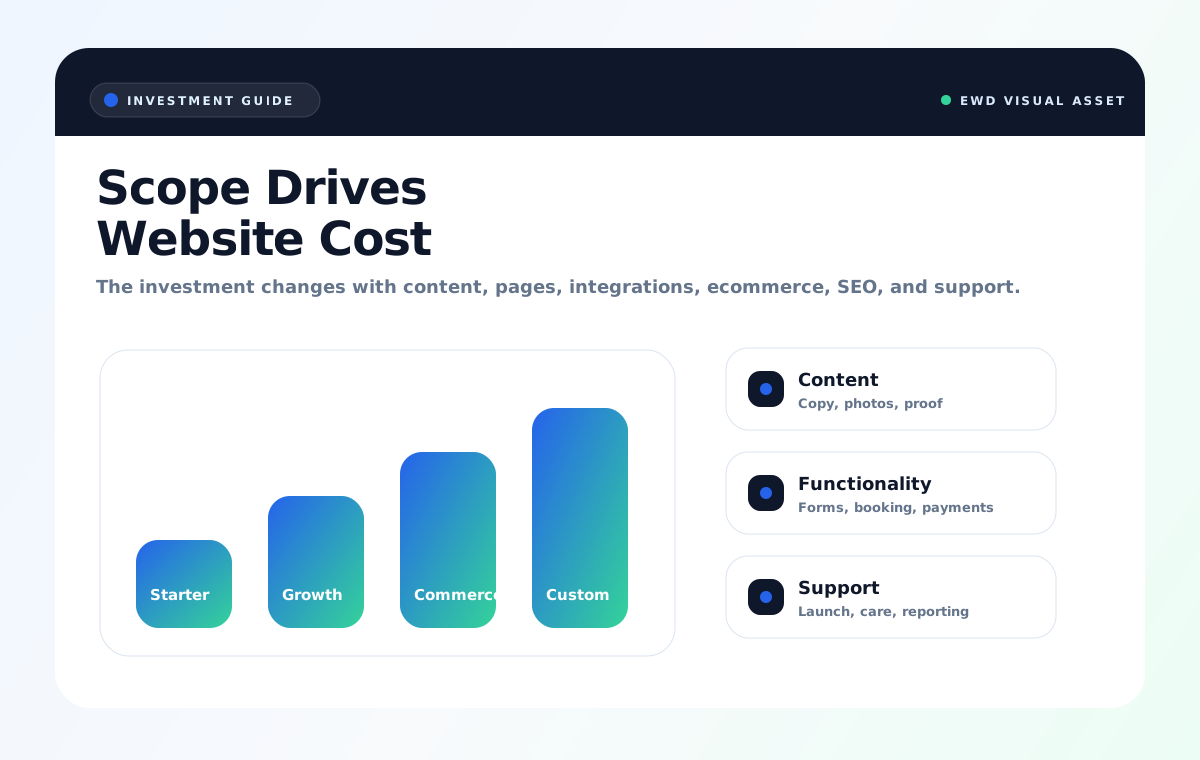
What Changes Cost
The difference is usually complexity, not just page count.
What you should expect to pay for.
A serious website investment should include thinking, structure, writing support, technical setup, mobile experience, speed, launch, and a next-step path for growth.
- Strategy and offer clarity
- Page architecture and content planning
- Mobile-first design and performance
- Forms, booking, or checkout configuration
- SEO foundation and tracking setup
Cheap websites often cost more later.
Low-cost templates can create problems: slow speed, weak content, poor mobile layout, no search structure, no conversion plan, and no maintenance path.
The goal is not to spend the most. The goal is to buy the right business asset for the stage you are in.
Sample Scopes
Examples of what changes the investment.
These are planning examples. Final pricing should match scope, content needs, integrations, timeline, and launch support.
What can lower or raise cost?
A clear offer, prepared content, fewer custom integrations, and fast feedback usually keep projects tighter. Complex workflows, ecommerce rules, custom forms, copywriting, migrations, and rushed timelines add scope.
Can lower cost
Logo, photos, service list, reviews, login access, and clear decision makers are ready before production.
Can raise cost
Custom calculators, member portals, complex checkout, large migrations, missing content, or multiple revision stakeholders.
Common questions.
Can I pay monthly?
Yes. Payment plans, deposits, and subscriptions can reduce upfront pressure. Custom scope still needs approval before checkout.
Should I start small or build everything now?
Start with the smallest asset that can win trust and capture leads. Add ecommerce, SEO, automation, and advanced features as the business grows.
Why do prices vary so much?
Some websites are simple pages. Others are sales systems with strategy, copy, SEO, integrations, checkout, automations, and ongoing care.