Transform Your Website With a Stunning Video Background
Ever felt like your website’s just… sitting there doing nothing? You put time and effort into it, but when potential customers land on it, they bounce away faster than you can say "conversion rate." If that sounds familiar, you’re not alone. Many small business owners, especially here in South Texas, struggle with websites that don’t reflect their brand and fail to engage visitors. But don’t worry, adding a dynamic video background in WordPress can be a game-changer.
Picture this: a vibrant video background welcoming visitors as they land on your homepage. It grabs attention instantly and sets the tone for your brand. In this post, I’ll guide you through the steps to create a beautiful video background that not only enhances your site’s aesthetics but also elevates your brand message. And hey, if you’re short on time or tech skills, I’ve got some handy plugins to make it simple. Neta, it’s easier than you think!
Where to Source Your Video Background?
Let’s kick things off with a quick question: have you thought about how to make your homepage stand out? Visitors’ eyes are naturally drawn to motion, so a video background can do wonders for your first impression! If you’re ready to jump in, here’s where you can find your materials.
If your budget allows, consider hiring a local videographer to create unique content that echoes your brand’s personality. Make sure to give them clear guidelines — this way, you get the best results aligned with what you want to convey. ¡Dale gas!
But what if shooting a custom video isn’t in the cards? No te preocupes! You can find some incredible, royalty-free video options on sites like Videvo and VideoBlocks. Whether you’re in marketing, services, or sales, there’s a treasure trove of video footage out there that can truly resonate with your audience.
Top 5 Plugins to Add Fullscreen Video Background in WordPress
Sure, you could dive into custom coding, but if it feels overwhelming (and who has the time, right?), check out these five helpful plugins. They’ll simplify the process of adding a video background to your WordPress website.
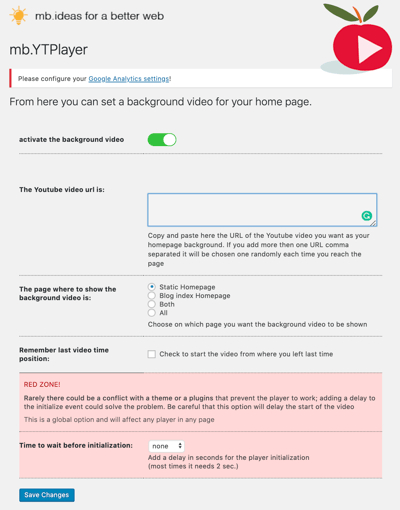
1. mb.YTPlayer for Background Videos
This nifty plugin lets you set any YouTube video as your background with just a few clicks. Even the Plus version offers extra features like starting audio control and video view tracking on Google Analytics. Perfect for those who love data!
- Steps to Set It Up:
- Install and activate the plugin.
- Head to your dashboard and navigate to mb.ideas > YT player.
- Toggle to activate the background video.
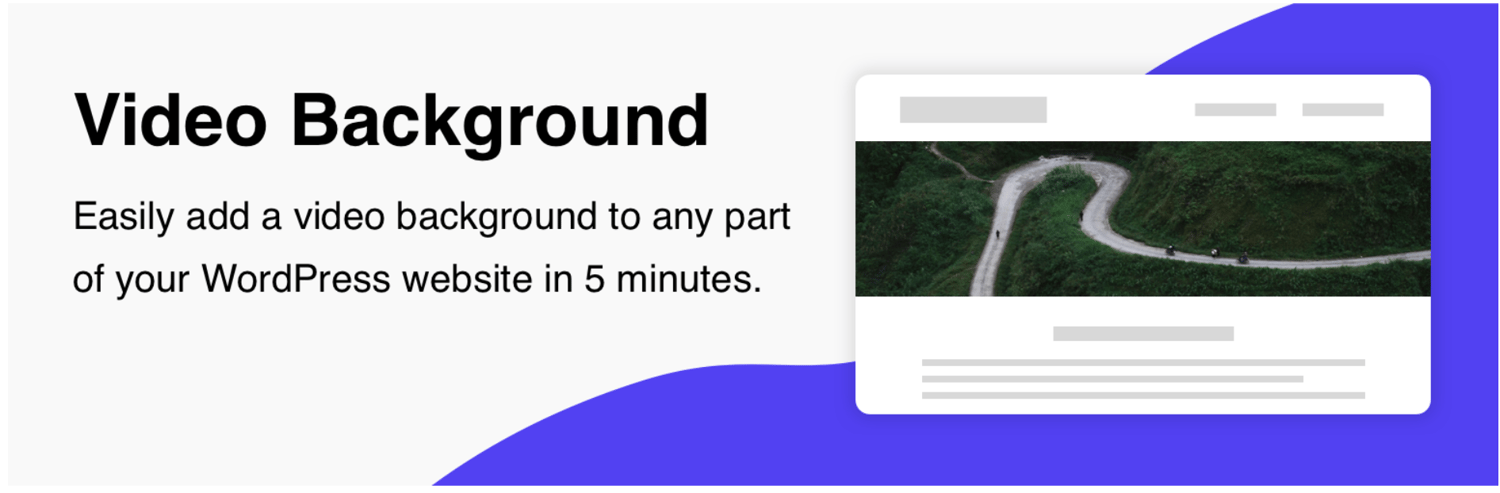
2. Video Background
Perfect for beginners! This plugin allows you to add a stunning video background anywhere on your site. Customize overlays, enable looping, and even include a tap-to-unmute button. Yes, you can make it accessible for all!
3. Elementor
Have you tried Elementor? It’s a drag-and-drop page builder that lets you design like a pro, all without any coding. Select a theme with a video background option, and you’re all set. Here’s a helpful tutorial to get you started.
4. Image & Video FullScreen Background
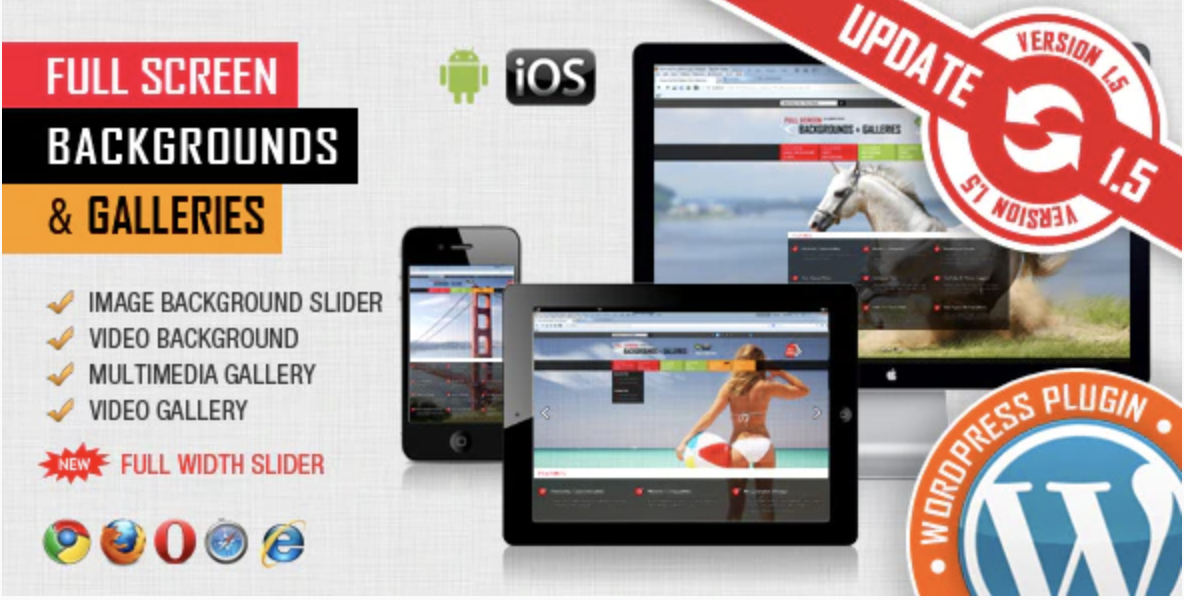
Looking for premium options? This plugin lets you customize and adapt backgrounds to any screen size, ensuring your audience has a great experience whether they’re on mobile or desktop.
5. Advanced WordPress Backgrounds
This plugin allows you to create unique video and image backgrounds for different areas of your page. A handy feature lets you preview changes in real-time, so you can make sure everything looks perfect before going live.
Tips for Adding a Fullscreen Video Background
Video backgrounds can be fantastic, but let’s not forget the basics to ensure a positive user experience. Aquí van algunos tips:
- Use high-resolution video.
- Compress the video to boost loading speed.
- Keep it short; ideally under one minute.
- Set a fallback image for browsers that might not support video.
- Avoid autoplay with sound; give viewers the option to enable sound instead.
Adding a video background can help you capture attention right away and convey your brand message more effectively. If custom coding isn’t your style, these plugins can work wonders for your site.
Local business owners like you deserve a website that’s both functional and beautiful. If this feels overwhelming, remember that Ericks Web Design is right here in the Valley, ready to help you create something that truly represents your business.
Ready to Take Your Online Presence to the Next Level?
So, what’s the next step? Upgrading your online game is just a conversation away. Hit us up — we’ll help you get those leads rolling in. Let’s build something that actually works for your business.
¡Hablemos pronto!
Source:
https://blog.hubspot.com/website/how-to-add-fullscreen-video-background-in-wordpress