10 Affordable Alternatives to CKEditor for Your Business Needs
Ever feel like your website is just, well, sitting there gathering virtual dust? Or maybe you’re thinking, “¿Por qué no llegan los clientes? My website is live!” If you’re struggling to keep your content fresh or worried your site doesn’t reflect your brand, you’re not alone. As small business owners in South Texas — especially here in McAllen — we all know that an engaging online presence can make or break your sales. A high-quality WYSIWYG (What You See Is What You Get) editor can change that game.
If you’ve looked into CKEditor but found it a bit pricey, don’t worry! There are plenty of stellar alternatives that won’t break the bank. Let’s explore 10 affordable options that can get your content creation process back on track and help you build an online presence that attracts leads.
1. TinyMCE
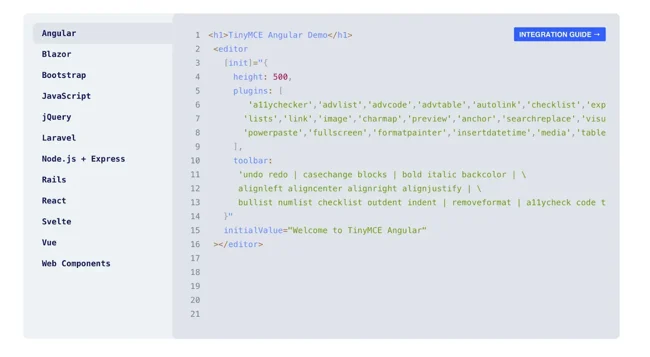
TinyMCE is like that friend who just gets it. It’s powerful yet user-friendly, perfect for integrating into any web application. Plus, you can customize it to fit your needs.
Core Features:
- Accessibility: Supports ARIA, making it usable for everyone.
- Responsive Design: Looks good on any device, from mobile to desktop.
- Customizable Toolbar: Add only the tools you need.
Pricing: Free and paid options available.
2. Froala Editor

Froala Editor brings a fresh, modern look to your content creation. With its intuitive and responsive design, it’s perfect for anyone looking to add some style to their editing process.
Core Features:
- Real-Time Collaboration: Work with your team seamlessly.
- Integrations: Works well with popular frameworks like React and Angular.
- Advanced Editing: For those who want to dive deeper into the code.
Pricing: Free and paid plans available.
3. Quill
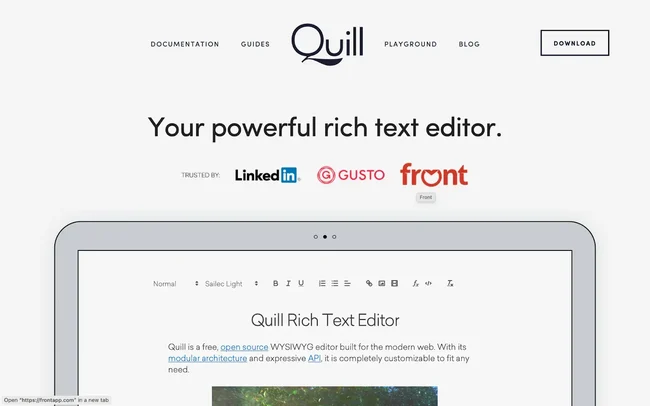
If you’re looking for simplicity without sacrificing features, Quill is for you. Its lightweight design allows you to create clean and functional content effortlessly.
Core Features:
- Keyboard Shortcuts: Make editing a breeze.
- Modular Architecture: Easily extend with plugins.
- Responsive: Works well on both mobile and desktop.
Pricing: Free and open source.
4. Summernote
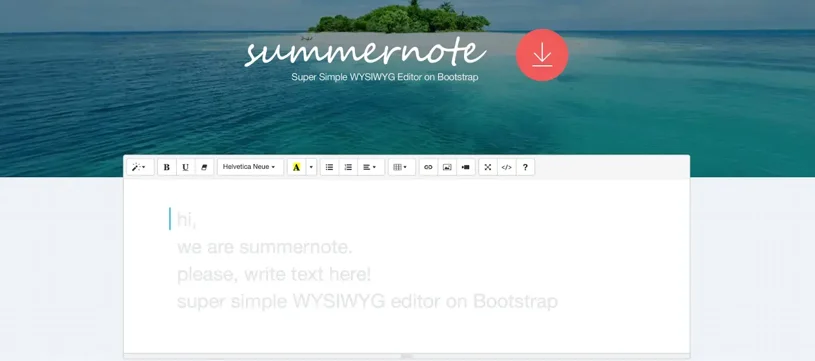
Summernote feels modern and is super user-friendly. It includes features like inline video embedding — perfect for making your website pop!
Core Features:
- Popover Toolbar: Keeps your workspace neat and tidy.
- Real-Time Collaboration: Say goodbye to miscommunication.
- Customizable Air Mode: Simplify the interface to fit your needs.
Pricing: Free and open source.
5. NicEdit
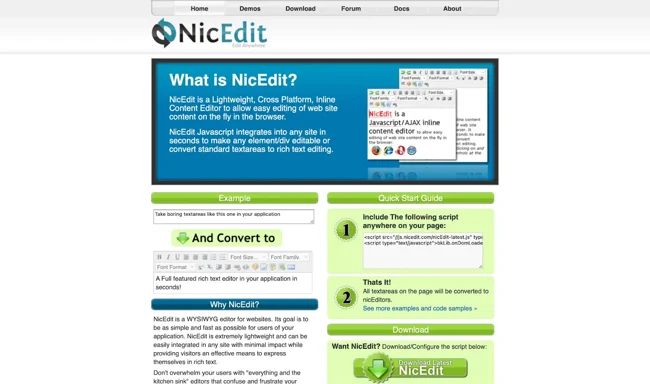
For those seeking no-frills editing, NicEdit is lightweight and easy to use. It’s perfect for quick tasks like formatting or editing text.
Core Features:
- Older Browser Support: Compatibility with old browsers like IE 6.
- Automatic Resizing: Adapts to your content to enhance user experience.
- Frequent Updates: Active development ensures security and fixes.
Pricing: Free and open source.
6. SCEditor
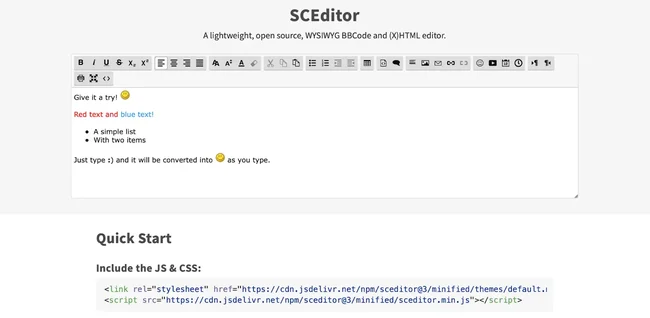
SCEditor is ideal for developers wanting a smooth integration into their web applications. It balances simplicity and functionality.
Core Features:
- Auto-Updates: See your changes in real-time.
- Emoticon Support: Add a bit of fun to your content.
- Simple API: Easy to set up and use.
Pricing: Free and open source.
7. jHtmlArea
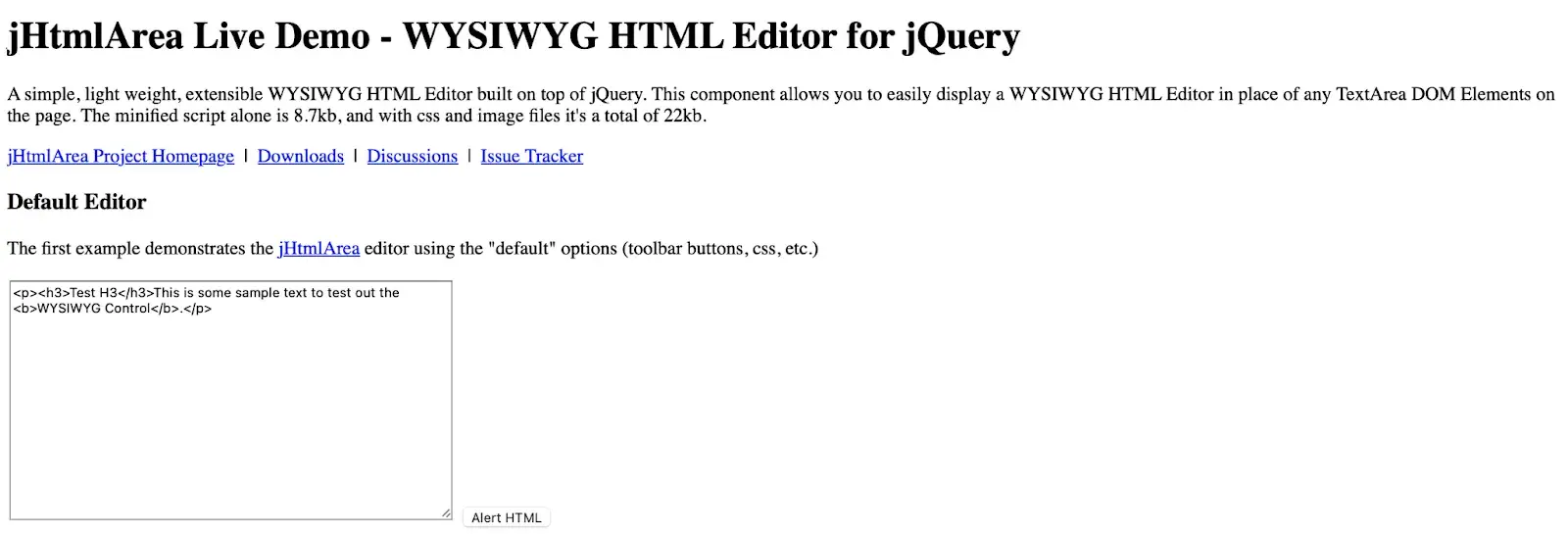
jHtmlArea is straightforward and allows you to switch between HTML and rich-text editing easily. Perfect for those who want to keep things simple but effective.
Core Features:
- Customization: Tailor your layout with CSS.
- CMS Integration: Works with WordPress, Joomla, and more.
- Dual-Mode Functionality: Switch between editing modes seamlessly.
Pricing: Free and open source.
8. Redactor
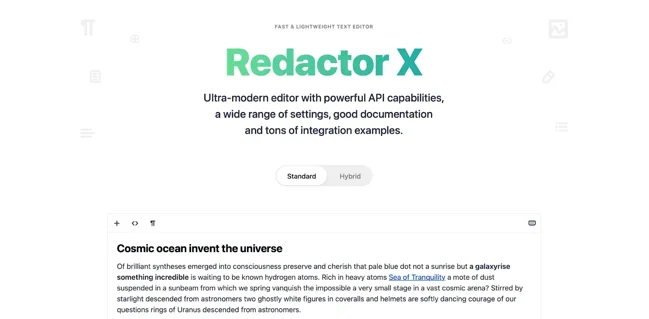
Redactor offers a sleek interface with advanced features that any small business can benefit from. It’s designed for those who want their content looking sharp and polished.
Core Features:
- Inline Editing: No need to leave the webpage for edits.
- Mobile Compatibility: Edit on the go effortlessly.
- Live Preview: See your work as you edit.
Pricing: Free and paid plans available.
9. Trumbowyg
Trumbowyg is a lightweight, customizable option that supports HTML and Markdown. It’s a great fit for businesses looking for versatility.
Core Features:
- Modular Architecture: Add or remove plugins as you see fit.
- Adaptive Toolbar: Fits your screen size for ease of use.
- Auto-Saving: Protects your work from data loss.
Pricing: Free and open source.
10. Aloha Editor
Aloha Editor emphasizes semantic content, making it perfect for digital marketing. It gives you a modular approach while ensuring your content meets web standards.
Core Features:
- Focus on Semantics: Helps your content rank better on search engines.
- Validation: Keeps your work compliant with industry standards.
- Synchronized Updates: Changes reflect instantly in both editor and code.
Pricing: Free and open source.
The Right Option for Your Business
With so many budget-friendly options available, you don’t have to stick with tools that slow you down or don’t provide the right features. Whether you need something lightweight like NicEdit or packed with features like Redactor, there’s a WYSIWYG option out there waiting for you.
At Ericks Web Design, we specialize in building custom solutions tailored to your business needs in McAllen and across the Valley. Let’s create a website that not only captures your brand but actually helps you grow your business. Ready to upgrade your online game? Let’s talk.
Source:
https://blog.hubspot.com/website/ckeditor-alternative